This is my second draft on making the music video but it is the first that I have made my own without Alex. I have tried to take into consideration the improvements from rough cut 1 and I will now be asking for even more feedback from my target audience as well for my rough cut 2. This is because it will allow me to gather more reliable and suitable feedback as it is coming from the audience who I am aiming at. By asking my target audience I will then have an idea of what they like and dislike about my music video and I can work around their suggestions to make my music video meet their expectations and become more enjoyable for them to watch.
What went well
What went well
- There is a clear narrative in the music video as the story is clear and flows well.
- Split screen works well showing their separate times in the day and representing that they are not together. The timing of the two shots in the split screen match well as the both go into each other at the same time in both shots.
- I like the slow paced editing at the end when they are about to meet and the slow motion adds to making it more dramatic and highlights the scene.
- Filming the end scene when they meet was planned well for lighting which works really well for making it more dramatic and adding colour to the shots.
- There is a good colour theme throughout which flows into the different scenes well.
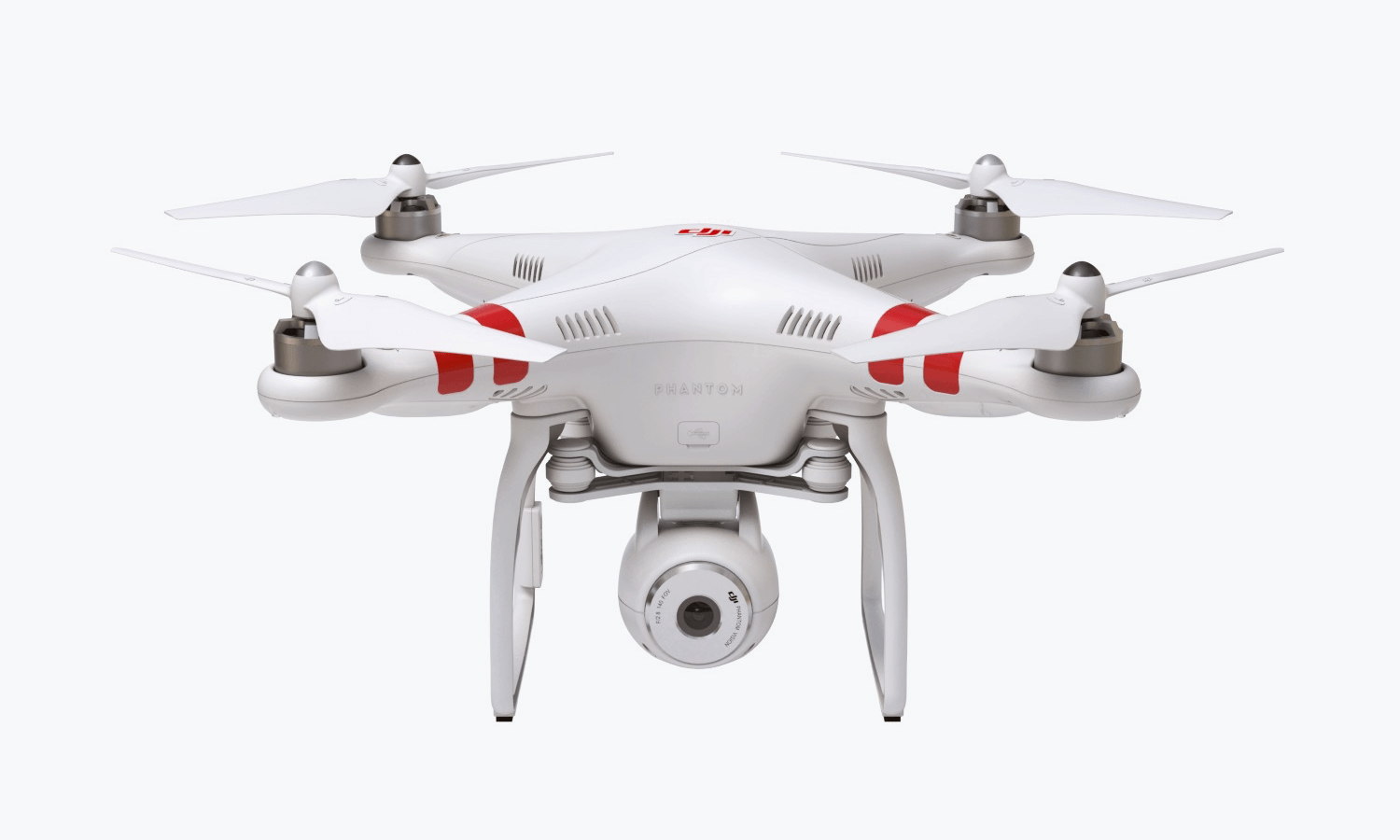
- there is a good variation of camera angles and movement for example the drone shots from high up and the close ups on the guitar which make it more interesting and intriguing to watch.
- I like how you have used drone shots at the beginning to set the scene for the music video and that you have used this same location for only these shots and for when they meet at the end as well, making the music video foreshadow the location for the ending.
- The mood, themes and setting in the music video goes well with the style of the song.
- The transitions add detail to the music video and make it more interesting. They haven't been over used and are suitable and work with the visuals and pace of the song.
- The locations chosen were good, they worked well with the song.
- The quality of the visuals is good throughout the music video.
- I like how there is a physical difference between past and present in how the people look (the male actor has a different hair cut)
To improve
- During the shots of the couple singing together, the male actor seems to be showing more expression in his acting in the performance where as the female is showing more facial expressions.
- It is easy to understand the story from the video structure however the flashbacks aren't very clear. They need to be clearer so it is easier for the viewer to understand the narrative by seeing what is the present and what is the past.
- The lighting is too dark in the performance shots and you couldn’t clearly see their facial expressions.
- Could have added more flashbacks of them going on dates and doing things.
- At the beginning, would prefer the wind sound to stay while the names were being presented
- The lip syncing needs to be in time with the song
Now that I have gathered some feedback from my target audience I can see whether I have met their expectations which seems like I mostly have. There are a few improvements I will need to make so that my target audience can enjoy it more. Overall the feedback has been quite positive but also the improvements from my target audience are useful as seeing their opinion on my music video and understanding what they believe would make it better is helping me to develop my ideas and create it to meet everyone's expectations.






 Here we have Sony Vegas Pro, Adobe Premiere Pro and Adobe After Effects. These editing software's will be used to edit the clips together in a professional way. In premiere pro I intend to edit a split screen and an opening door transition through masking skills. We would use it to stabilise any clips that would be shaky. In after effects we intend to create an advanced mask edit to switch between scenes through cool transitions. In Sony Vegas, I intend to put all of the clips together and render the video in the best settings.